




Online Banking - Personal
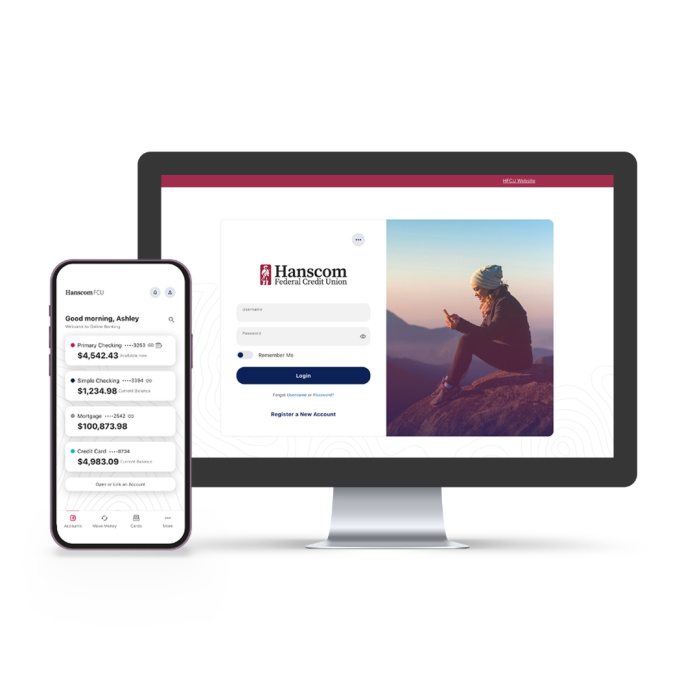
Your all-in-one personal finance management tool
Our new digital banking experience is live! Use the links below to access your new and improved digital banking experience:
Accessing Your New Online Experience
Online banking is now available at https://www.hfcu.org.
Download the Mobile App
See these FAQs if you get stuck along the way
First Time Mobile Enrollment
Watch the video for step by step instructions for your first time mobile enrollment.
First Login Experience Step-by-Step Instructions
How to enroll if you had a login in our old digital banking system:
- If you have logged into our digital banking platform in the past year, you will be pre-enrolled in the new system. But will still need to register.
- To register, use your existing username (Login ID) and password from the old platform in the login area on our homepage.
- You will be prompted to create a new password. In order to do so, you will need to enter your zip code and validate your identity using a contact method on file in our system.
- Once the new password is created, you will be asked to verify your contact information, accept online statements and accept our new Online Banking Agreement and Disclosure.
- You can also opt in to:
- Biometric login (Face ID, FingerPrint ID)
- QuickBalance (view balances BEFORE logging in)
- Push Notificatoins
- Finally, you will be directed to the main dashboard page!
New User Enrollment page
- Go to hfcu.org or download the Hanscom FCU Digital Banking App from the Apple Store or Google Play store.
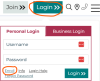
- Select “Enroll” in the Login area.
- Accept our Digital Banking Agreement and Disclosure
- Complete the enrollment form and press Continue
- You will be prompted to select a contact method to receive a Secure Access Code (SAC)
- Enter and submit your Secure Access Code
- Once your Secure Access Code is verified, you’ll be prompted to create your Digital Banking username and password
- Review your profile information and opt in to eStatements. If any information is incorrect, you can update it under the Settings tab once you’ve logged in

Online Bill Pay & eBill
An easy and convenient way to pay your bills. Never miss a payment again.
- Quicker and easier than writing checks.
- Pay your bills at no extra cost.
- Set up one-time or recurring payments.
- Control the amount and date of payment.
Online bill payment is fast, free, and guaranteed
- The payment day you choose is the day your biller receives payment.
- Funds will not be deducted from your account until your selected payment date.
- Schedule automatic payments for each payee according to your own specifications.
- Get started by clicking on the Bill Payment tab in Online Access.
eBills make it easier
- Receive, review, and pay through Bill Pay.
- Get convenient online access to your bills so you don't have to keep track of paper bills.
- Receive email alerts when eBills are received, before they're due, and when your payments are sent.

Online Statements, Documents, and Check Images
Access, view, save, and print bank statements, checks, and documents online.