



Skip A Loan Payment

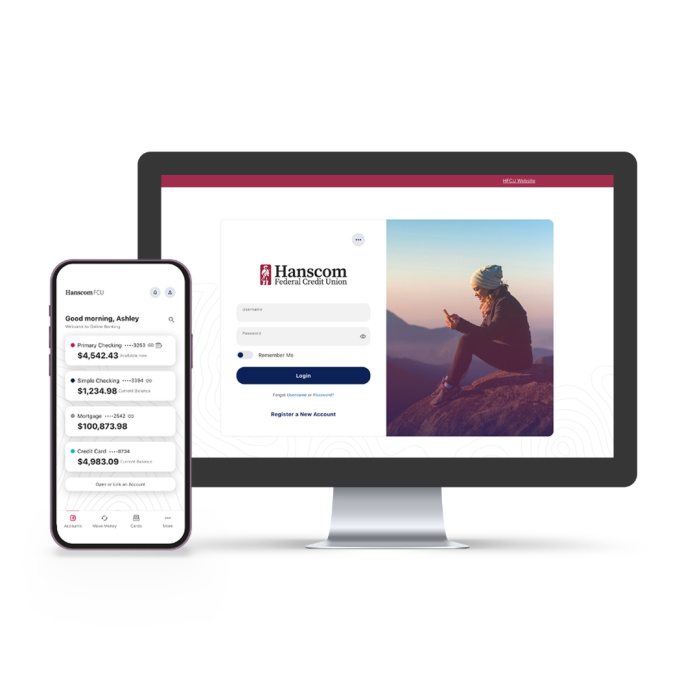
desktop and mobile

Request to Skip a Loan Payment

Recommended Way - for quicker approval:

Follow these easy steps:

1. Log into your Online Banking Account. For more details please visit Online Banking page.

2. Go to the Transfer & Payments menu

3. Select Skip a Loan Payment

4. Select the loan and click the Skip button

The requests through online banking are approved and processed instantly on eligible loans.

You can use the web form provided below, but please remember, this requires generally a 4-5 business day turnround for approval and processing.

Give yourself some extra money with our Skip-A-Payment program – without hurting your credit report! Everyone could use extra funds from time to time.

Skip Request Form

Please Note: You may not skip a payment on a loan more than 30 days past due. You may not skip a loan payment already applied to your loan. If your loan is past due, please call our Collections Department at 1-866-746-0073.


Choose one. For bi-weekly loans, use the first payment date of the month.
 
Select which loan(s) you want to skip:

Vehicle
Personal
RV/Motorcycle/Boat
 

THREE DIGIT LOAN NUMBER

How do you pay your loan?

Check one.
Automatic transfer (Hanscom FCU account)
Automatic transfer (another financial institution/payment service)
 
Security
  captcha code for visual authentication  letter Y number 5 letter L number 3

Frequently Asked Questions